For a UAE business, an Arabic-English website is more than a website translated into two languages. It must help people find information, understand the offer, submit an enquiry and trust the business in the language they prefer. These goals affect the site structure, WordPress configuration, content workflow, design system and ongoing maintenance.
Good WordPress web development starts by making these decisions before pages are designed. Whether the business operates in Dubai, Abu Dhabi, Sharjah or across the UAE, planning both language versions early can prevent expensive restructuring later.
Start with the audience and business goals
Before choosing a translation plugin or theme, identify who will use each language version and what you want visitors to do. An Arabic-English website for a Dubai property company may need property searches, viewing requests and location details. A professional services firm may focus on consultation enquiries, while an online store may need product information, delivery details and checkout support in both languages.
Document the important journeys for each audience. For example:
- A visitor lands on a service page, checks relevant details and sends an enquiry.
- A customer compares products, selects a delivery option and completes payment.
- A prospective tenant searches by area, reviews a listing and requests a viewing.
- A mobile visitor calls the business or opens a WhatsApp conversation.
The two language versions should support the same core journeys, even when the wording, page length or visual presentation differs.
Choose the language architecture before development
WordPress can organise language versions in several ways. A common approach uses separate language paths, such as /en/ and /ar/. Other setups use subdomains or separate domains. The most suitable option depends on your brand structure, content team, analytics setup and long-term plans.
For many UAE businesses, separate paths are practical because they keep both languages within one website while making the relationship between equivalent pages clear. Whichever structure you choose, define it consistently for pages, posts, categories, products and media. Changing the structure after launch can create broken links, redirects and search engine confusion.
Questions to settle early
- Will every English page have an Arabic equivalent?
- Can some announcements or resources be published in only one language?
- Will the language switcher take visitors to the matching page or just the homepage?
- Who approves translations and updates?
- How will unpublished or missing translations be handled?
A language switcher should be easy to find on desktop and mobile. It should use clear labels such as “English” and “العربية”, rather than relying only on flags, which can suggest a country instead of a language.
Design for Arabic and English, not just two text fields
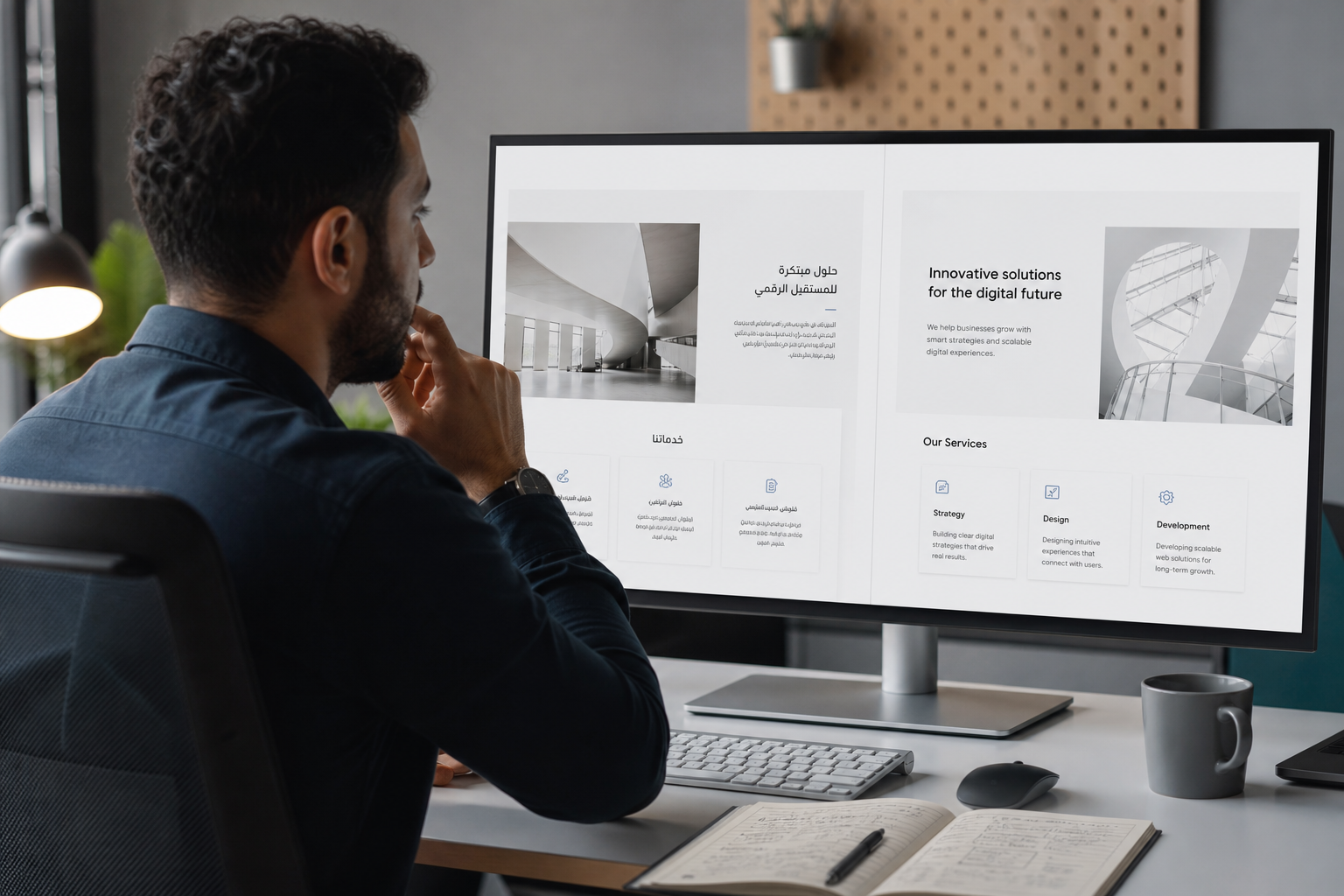
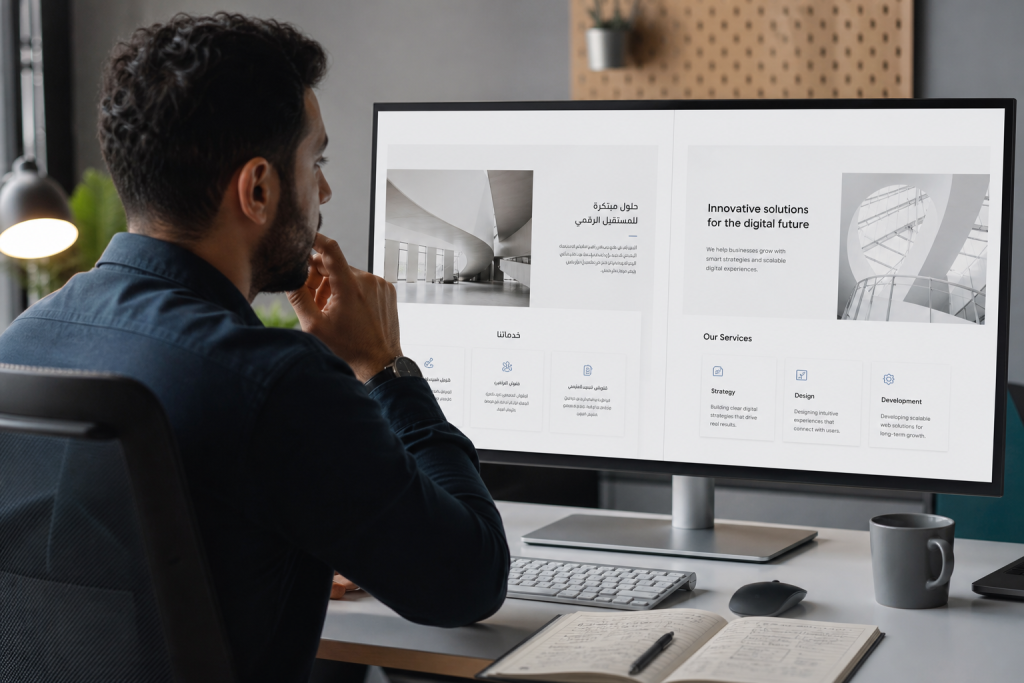
Arabic uses a right-to-left direction, while English uses a left-to-right direction. This affects navigation, alignment, icons, forms, tables, sliders, breadcrumbs and the order in which information is scanned. A professional build needs genuine RTL layout support, not a simple text alignment change.
Some interfaces can be mirrored between languages, but not everything should be reversed. A phone icon, map graphic or product image may remain in the same orientation. Developers should test components individually instead of applying a blanket CSS rule to the entire site.
Arabic text can occupy more or less space than its English equivalent. Headings that fit neatly in English may wrap to three lines in Arabic, affecting cards, buttons and page sections. Test realistic copy at different screen sizes before approving the design.
Typography and readability
Choose fonts that support Arabic and Latin characters clearly and consistently. Avoid using a font only because it looks attractive in a design mock-up. Check its Arabic letter forms, weight options, loading performance and behaviour in headings, buttons and long paragraphs.
Use sufficient line height and avoid overly narrow text columns. Arabic readers should not have to zoom in or work through crowded blocks of text on a mobile device. The final design should also preserve visible keyboard focus, suitable colour contrast and usable form labels in both languages.
Build a content model that can be maintained
Content planning is one of the most important parts of bilingual WordPress development. Decide which content is shared and which content needs a separate localised version. Company contact details may be shared, while service descriptions, FAQs, calls to action and legal wording may need careful adaptation.
Do not treat translation as a one-time upload. If an English service changes, the Arabic version needs a review. A content management process should show which translations are complete, which are outdated and which pages have no equivalent.
Useful editorial controls include:
- A clear owner for each language version.
- A review date for important service, pricing or policy content.
- Consistent terminology for services, locations and industry terms.
- Separate approval steps for translated marketing and legal copy.
- A rule for what visitors see when a translation is not available.
Machine translation can assist with a first draft, but important business content should be reviewed by someone who understands Arabic, English and the UAE audience. Direct word-for-word translation may sound unnatural or change the intended meaning.
Plan SEO for both language versions
Each important page should have its own relevant title, meta description, heading structure and search intent. Translating an English keyword literally may not produce the phrase Arabic-speaking customers use. Keyword research and editorial judgement should guide the Arabic wording.
Technical signals also matter. Equivalent pages should be connected correctly, canonical URLs should be consistent, and language annotations such as hreflang should be configured and tested where appropriate. Arabic and English pages should not accidentally point to themselves as the only version or create duplicate URL variations.
Keep translated URLs readable and stable. If Arabic slugs are used, confirm that your analytics, sharing tools, redirects and internal processes handle them correctly. English slugs may be easier for some teams to manage, but the decision should fit the site’s audience and content strategy.
Images require attention too. Use meaningful alternative text in the relevant language, translate captions when needed and avoid placing essential words inside images. Search optimisation should support a clear visitor experience rather than producing awkward copy.
Make forms, commerce and integrations bilingual
A bilingual website can lose leads if the supporting systems remain in one language. Check contact forms, validation messages, confirmation screens, automated emails, booking tools, live chat, payment steps and CRM notifications.
For UAE businesses, forms may need to handle local phone formats, company names, emirates, preferred contact methods and service-specific questions. Make the purpose of every field clear and avoid asking for information the team does not need.
For WooCommerce websites, review product names, attributes, shipping messages, tax displays, cart labels, checkout instructions and order emails in both languages. Test the complete path from product selection to confirmation, including failed payments and out-of-stock messages.
Protect speed, accessibility and technical stability
Adding a second language can increase the number of pages, database content and media files. It should not automatically mean a slow website. Use appropriately sized images, efficient fonts, sensible caching and a carefully selected plugin setup.
Every plugin introduced for language management should have a clear purpose. Too many overlapping plugins can create conflicts, duplicate controls or unexpected behaviour after an update. A staging environment is useful for testing WordPress, theme and plugin changes before they reach the live site.
Accessibility should be checked in both directions. Test keyboard navigation, screen reader labels, heading order, form instructions, focus states and mobile layouts. An interface that is usable in English may still have problems when Arabic content changes its height or direction.
For ongoing technical checks, it is useful to review how to check whether your website software is out of date. Updates should be tested carefully, with current backups and a recovery process available.
A practical launch checklist
Before launching an Arabic-English WordPress website, review the site as a customer rather than only as an administrator.
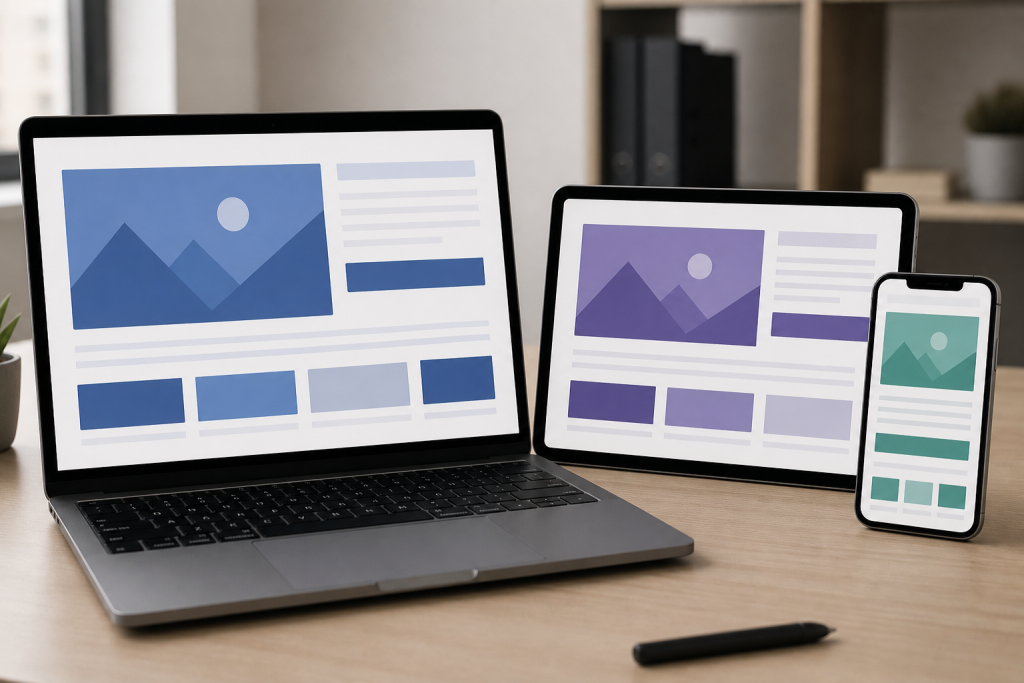
- Open the site on common mobile and desktop screen sizes in both languages.
- Test the language switcher from the homepage, service pages, blog posts and product pages.
- Check that navigation, menus, breadcrumbs and buttons follow the correct reading direction.
- Submit every major form and confirm that the right team receives the notification.
- Review page titles, descriptions, headings, image text and internal links in both languages.
- Check missing translations, incorrect redirects, broken media and untranslated system messages.
- Test performance after caching and confirm that analytics records the language versions correctly.
- Confirm backups, administrator access, update responsibilities and post-launch support.

Make the website manageable after launch
The best WordPress web development project is not finished when the site goes live. Your team should understand how to add a page, update both language versions, replace an image, review a form submission and identify an update that needs technical testing.
Innomedia can help UAE businesses plan the content structure and technical foundation for Arabic-English WordPress websites. The right approach balances clear localised content with dependable WordPress development, so visitors in Dubai and across the UAE can use the website confidently in their preferred language.