Spam pages can quietly damage a business long before customers notice them. Your real pages may still load normally, but Google could be indexing fake pharmacy listings, casino content, hacked product pages, or foreign-language URLs under your domain. That can reduce search visibility, damage customer trust, and send qualified leads to the wrong place. Knowing how to remove spam pages from a hacked WordPress site means treating both the visible pages and the infection that created them.
Confirm the Spam Pages Are Not Legitimate
Do not start deleting URLs from WordPress blindly. Some spam infections create pages only for search engines, while others inject links or redirects into existing pages. A rushed cleanup can remove valid content, break your navigation, or erase data needed to identify the source of the attack.
Check your website in these places:
Google Search results using a search for your domain name plus suspicious words
Google Search Console, especially the Pages and Security Issues reports
Your WordPress Pages, Posts, Media, and Users areas
Your website sitemap and server access logs
Search results for strange URL folders, random characters, or pages in languages you do not use
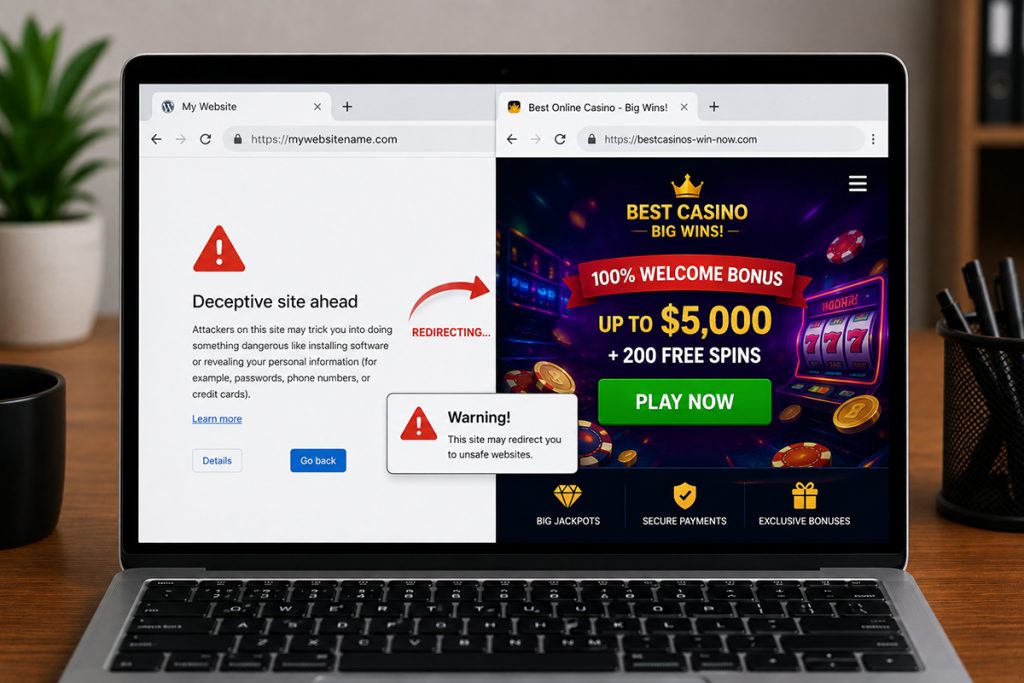
Common warning signs include hundreds of new indexed URLs, titles unrelated to your business, unfamiliar administrator accounts, unexpected redirects, and a sudden drop in organic traffic. If your site sells services in the UAE but Google shows gambling, adult, or pharmaceutical pages, assume the site has been compromised until proven otherwise.
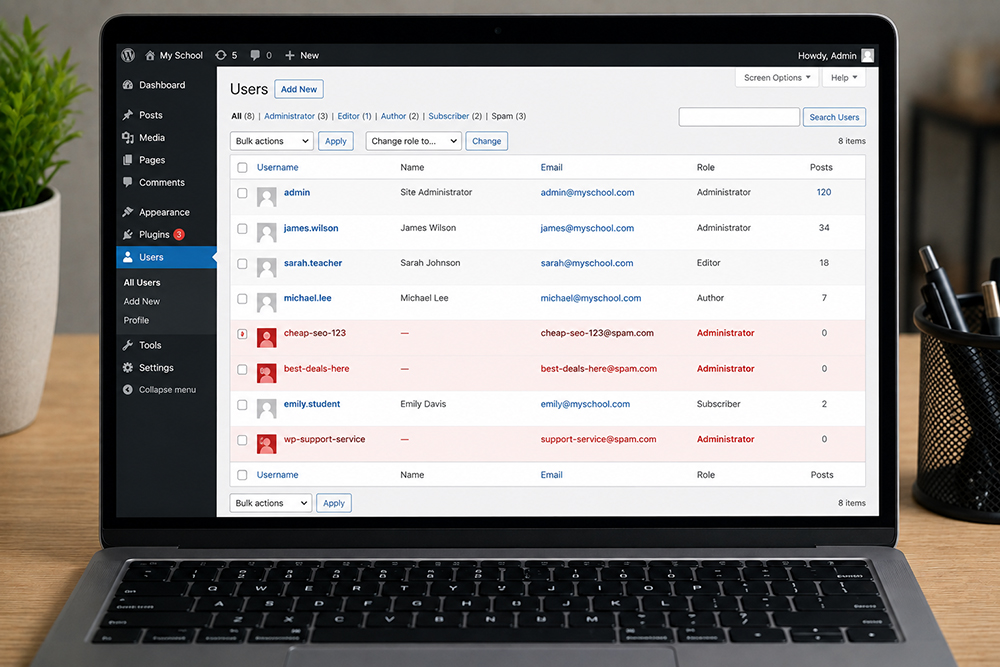
Open the Users section and review every administrator account. Remove any account you do not recognize and downgrade users who do not need administrator privileges. Pay particular attention to accounts with generic names, strange email addresses, or recent creation dates.
Also inspect user permissions in WooCommerce, form plugins, SEO tools, and hosting dashboards. A compromised editor or plugin account can be enough to publish spam content.
#2 Review Plugins, Themes, and Core Files
Outdated or pirated plugins and themes are frequent entry points. Remove inactive plugins and themes you no longer use. Update WordPress core, active plugins, and your active theme from trusted sources only.
Never use nulled themes or plugins. They often contain hidden backdoors that give attackers repeat access after cleanup. A low-cost download can become an expensive loss of rankings, leads, and customer confidence.
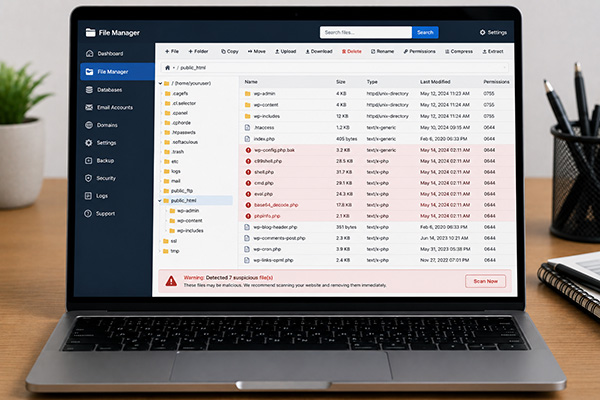
Your website developer should also compare WordPress core files against clean versions. Malware often hides in modified PHP files, unfamiliar folders, fake plugin directories, and code inside uploads folders where executable files should not exist.
#3 Scan the Database for Injected Content
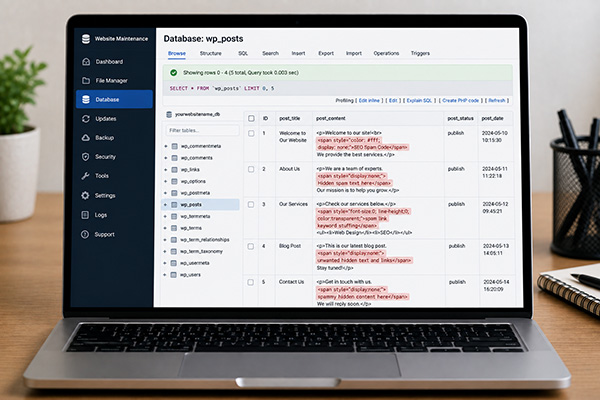
Some attacks store spam in the WordPress database instead of regular pages. The malicious content may appear in posts, post meta, options tables, widgets, SEO fields, or scheduled tasks.
Look for suspicious keywords, hidden links, encoded scripts, unfamiliar scripts loading from external domains, and database entries created around the time the spam appeared. This work requires care. Removing the wrong database entry can affect page layouts, forms, or eCommerce functionality.
#4 Remove Spam Pages and Malicious Code Properly
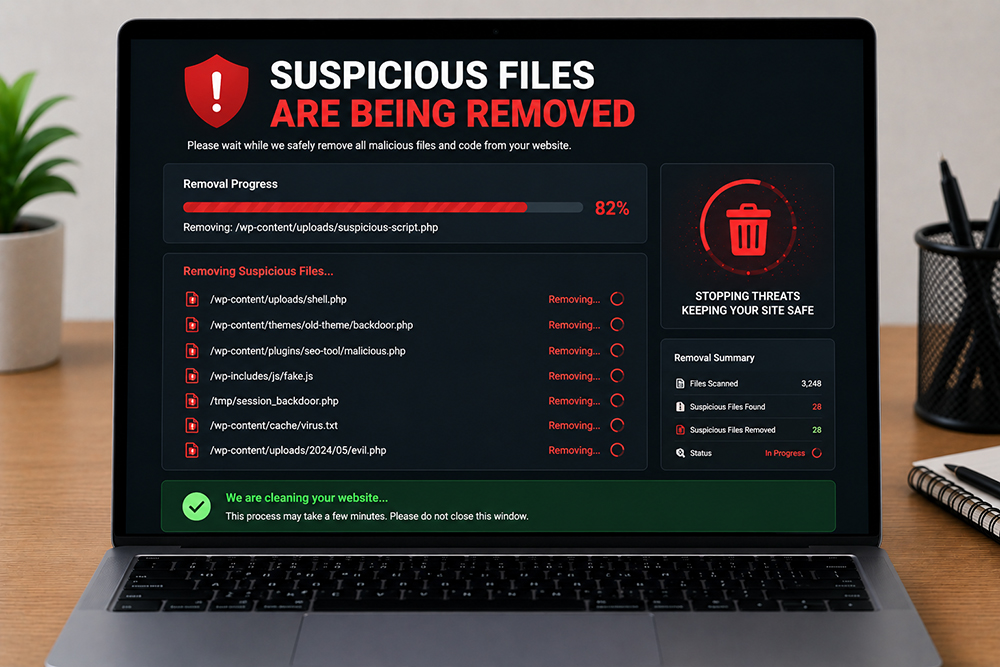
Once you understand the source, remove the spam pages from WordPress and permanently delete them from the trash. Next, clean the malicious files, injected scripts, rogue database records, and unauthorized users that allowed those pages to exist.
A reliable cleanup normally includes these actions:
Delete fake pages, posts, attachments, and spam categories
Remove malicious redirects, hidden links, and injected JavaScript
Replace altered WordPress core files with clean copies
Remove backdoors from plugins, themes, and upload directories
Clean infected database fields and scheduled tasks
Reset all access credentials after the cleanup is complete
#5 Use Search Console After the Cleanup
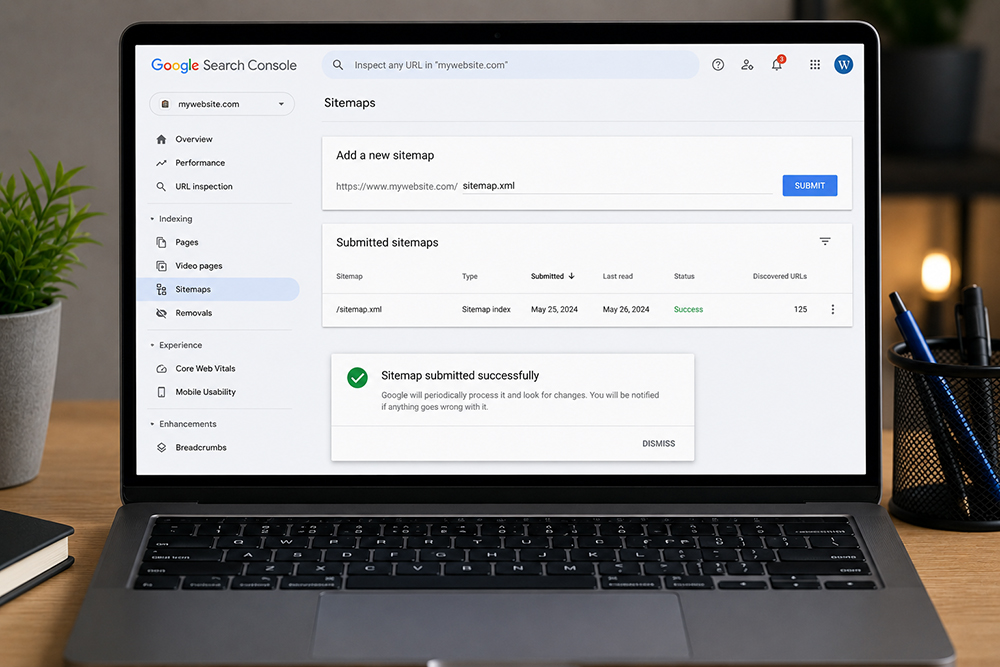
Review Google Search Console for security warnings, manual actions, and indexed spam URLs. Submit an updated XML sitemap containing only legitimate pages. You can also request temporary removals for urgent, highly visible spam results, but this is not a substitute for deleting the malware and returning proper status codes.
If Google flagged the site as hacked, submit a review request only after the malware cleanup is complete. Requesting a review too early can delay recovery because the same malicious code may still be found.
#6 Update and harden WordPress
A successful cleanup is only valuable if the same weakness is closed. Most repeat infections happen because an outdated plugin, weak password, insecure hosting account, or hidden backdoor remains in place.
Strengthen the site with practical controls:
Keep WordPress, plugins, and themes updated on a planned schedule
Use a reputable security firewall and malware monitoring service
Enable two-factor authentication for administrator accounts
Limit login attempts and remove unused user accounts
Use automatic off-site backups and test that they can be restored
Restrict file editing from the WordPress dashboard
Call for professional help when spam pages return after deletion, Google reports malware, customers are being redirected, or you cannot identify which files were changed. You should also act quickly if the website processes payments, stores customer information, or supports an online store.
A proper recovery should include malware removal, file and database review, search cleanup, security hardening, and testing of forms, checkout pages, tracking scripts, and key conversion paths. Innomedia Technologies can provide this kind of hands-on WordPress support for businesses that need a clean, secure site without disrupting growth activity.